

The graphics card market continues to advance as manufacturers introduce faster memory technologies, more powerful processors, and improved features for gaming and professional workloads. One of the most talked-about developments is GDDR7 memory, which offers higher bandwidth and improved data transfer capabilities compared with previous generations. 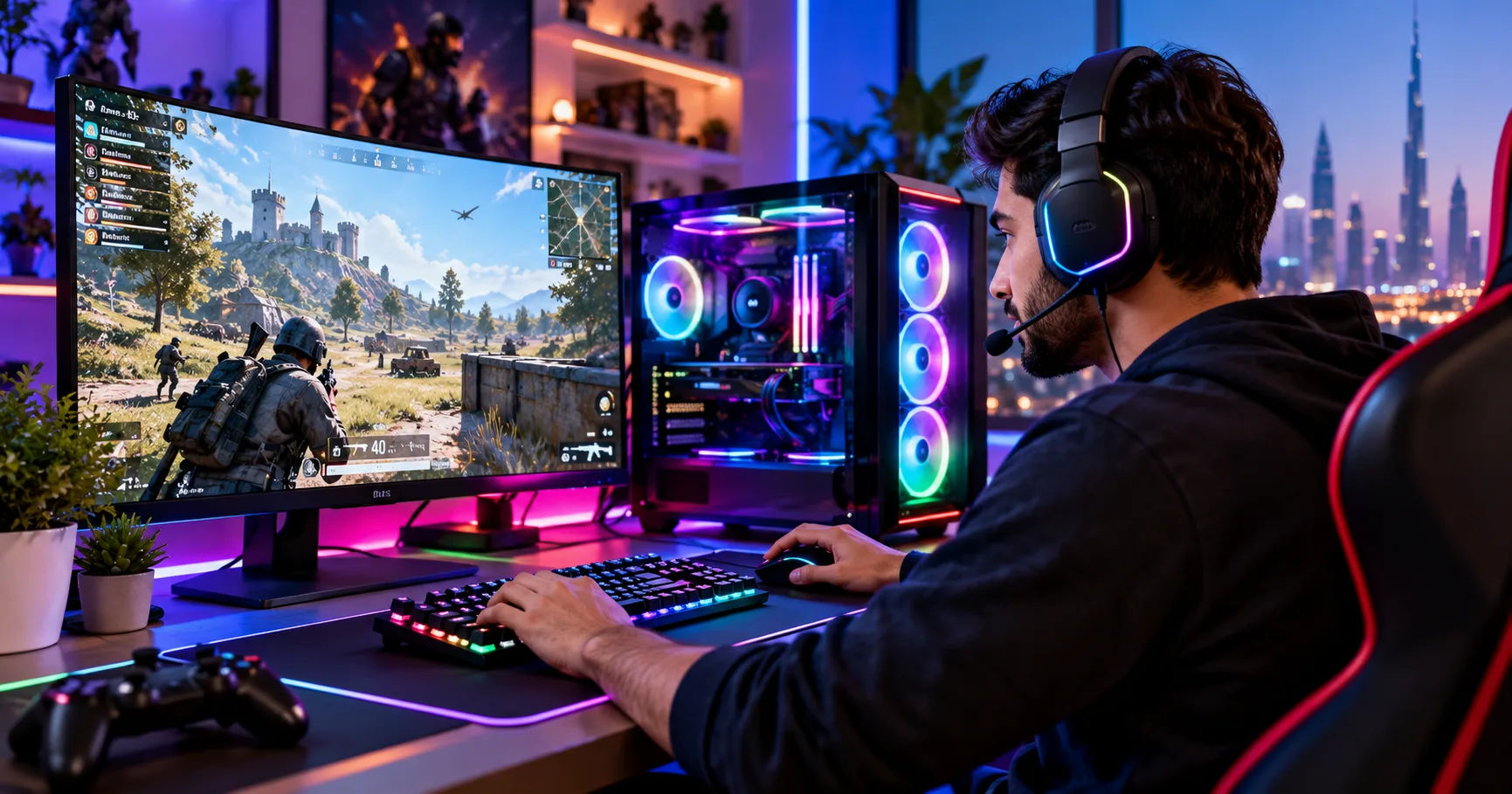 If you are considering a high-end graphics card, understanding its memory technology can help you make a more informed decision.
The short answer is yes. The rtx 5090 32gb uses GDDR7 memory, making it one of the leading examples of NVIDIA's latest consumer graphics technology. This memory helps the graphics card handle demanding games, high-resolution textures, complex 3D scenes, and other workloads that require large amounts of graphical data to move quickly between memory and the GPU.
However, memory capacity is only one part of a graphics card's performance. Memory bandwidth, the GPU architecture, power consumption, cooling, and software support also influence the overall experience. Understanding how these elements work together will help explain why GDDR7 matters and whether the card's capabilities are suitable for your needs.
The RTX 5090 32GB Memory Specifications
The NVIDIA GeForce RTX 5090 is a flagship graphics card designed for high-performance gaming, content creation, and demanding computing tasks. Its memory system is a significant part of its design because modern applications often process enormous amounts of visual information.
Here are the key memory specifications of the card.
|
Specification |
Details |
|---|---|
|
Graphics memory type |
GDDR7 |
|
Memory capacity |
32GB |
|
Memory interface |
512-bit |
|
Memory speed |
28 Gbps per pin |
|
Maximum theoretical memory bandwidth |
1,792 GB/s |
|
GPU architecture |
NVIDIA Blackwell |
These specifications explain why the card is designed for demanding workloads. Its 32GB capacity allows it to hold large datasets, textures, and other resources, while its wide memory interface and high transfer rate provide substantial bandwidth.
The combination is particularly useful for applications that need to access large quantities of data without creating a memory bottleneck.
What Does GDDR7 Mean?
GDDR7 stands for Graphics Double Data Rate 7. It is a generation of specialized memory developed for graphics cards and other applications that require high-speed data transfers.
Graphics memory stores the information a GPU needs to render images and perform computations. This includes textures, frame buffers, geometry data, lighting information, and other resources used by games and creative software.
GDDR7 is designed to deliver higher data rates than earlier generations, including GDDR6 and GDDR6X. Its improved signaling technology supports faster transfers, helping modern GPUs keep their processing units supplied with data.
The important point is that GDDR7 does not replace the graphics processor. Instead, it helps the GPU work efficiently by making the data it needs available at high speeds.
Why Does the RTX 5090 Have 32GB of Memory?
The rtx 5090 32gb combines a large memory capacity with high bandwidth to support demanding graphical workloads.
For gaming, 32GB provides substantial room for high-resolution textures, complex environments, and large collections of game assets. For professional applications, it can accommodate large 3D models, detailed visual effects, high-resolution video projects, and some AI workloads.
Not every game or application will use all 32GB. Many titles require considerably less memory, especially at lower resolutions or with moderate graphics settings. However, extra capacity can be valuable when working with demanding projects or running several memory-intensive tasks.
The benefit depends on the application. More memory does not automatically make every game faster, but sufficient memory can help prevent performance problems when a workload exceeds a smaller card's available capacity.
How GDDR7 Memory Works in the RTX 5090
GDDR7 is designed to transfer large amounts of data at high speeds. To understand its role, it helps to examine three important factors: memory speed, memory bus width, and total bandwidth.
Memory Speed and Data Transfer Rates
The RTX 5090's GDDR7 memory operates at an effective data rate of 28 gigabits per second per pin. This high data rate allows information to move rapidly between the graphics memory and the GPU.
A faster memory system can help when games load detailed textures, when rendering software processes complex scenes, or when computational workloads repeatedly access large datasets.
However, memory speed alone does not determine performance. The number of available memory connections also matters because those connections determine how much data can travel at once.
The Importance of the 512-Bit Memory Interface
The RTX 5090 features a 512-bit memory interface. This wide interface allows the GPU to communicate with its memory through many data pathways simultaneously.
A wider interface can deliver more total bandwidth when combined with high memory transfer rates. This is especially useful for a flagship GPU that processes large amounts of data every second.
For comparison, a graphics card with a narrower memory interface might use fast memory but still provide less overall bandwidth. The RTX 5090 combines a wide interface with GDDR7's high data rate to achieve its substantial memory throughput.
What Is Memory Bandwidth?
Memory bandwidth describes how much data can theoretically move between the graphics memory and the GPU in a given period.
The RTX 5090 delivers up to 1,792 GB/s, or approximately 1.792 TB/s, of theoretical memory bandwidth. NVIDIA's official specifications confirm both its 32GB GDDR7 configuration and its 512-bit memory interface.
The calculation is straightforward:
-
Effective data rate: 28 Gbps per pin.
-
Memory interface width: 512 bits.
-
Theoretical bandwidth: (28 times 512 div 8 = 1,792) GB/s.
Dividing by eight converts bits into bytes.
This figure represents the maximum theoretical transfer rate, not a guarantee that every application will achieve that speed. Actual performance depends on the workload, memory access patterns, GPU utilization, and other hardware and software factors.
GDDR7 vs. GDDR6X: What Has Changed?
GDDR7 represents a newer generation of graphics memory technology. NVIDIA's previous flagship GeForce RTX 4090 uses 24GB of GDDR6X memory, while the RTX 5090 uses 32GB of GDDR7.
The differences involve capacity, data rate, signaling technology, and bandwidth.
Higher Memory Bandwidth
One of the most noticeable improvements is bandwidth. The RTX 5090's memory system provides up to 1,792 GB/s, compared with the RTX 4090's 1,008 GB/s.
That is approximately 78% more theoretical memory bandwidth. This increase gives the newer GPU more potential capacity to move graphical data, although real-world performance gains vary between applications.
A game limited by GPU processing power may not benefit as much from higher bandwidth as a workload that frequently needs large amounts of memory data.
Improved Signaling Technology
GDDR7 uses a signaling method called PAM3, which represents data using three signal levels. This differs from the PAM4 signaling used by GDDR6X.
PAM3 helps GDDR7 achieve high data rates while balancing signal complexity and power efficiency. The technology is one reason the newer memory standard can deliver increased performance.
The overall efficiency of a graphics card still depends on its complete design, including the GPU, memory chips, power delivery, and cooling system. GDDR7's advantages do not mean that every workload automatically consumes less electricity.
Increased Memory Capacity
The move from 24GB on the RTX 4090 to 32GB on the RTX 5090 provides an additional 8GB of graphics memory.
That extra capacity can help when working with extremely detailed textures, large 3D scenes, demanding video timelines, or AI models that require substantial GPU memory.
It is important to separate capacity from speed. A graphics card can have plenty of memory but relatively limited bandwidth, or high bandwidth but insufficient capacity for a particular project. The RTX 5090 offers both a large memory pool and a fast transfer system.
How Does GDDR7 Improve Gaming Performance?
Gaming is one of the main reasons people consider a flagship graphics card. Modern titles use detailed environments, advanced lighting, realistic reflections, and high-resolution assets that can place substantial demands on both GPU processing and memory.
Better Support for 4K and 8K Gaming
Higher resolutions generally require more graphical data to be processed. At 4K and especially 8K, textures, frame buffers, and other rendering resources can increase the demands placed on the graphics card.
The RTX 5090's GDDR7 memory and high bandwidth help it handle these workloads. Combined with its powerful GPU architecture, the card is built for demanding high-resolution gaming.
However, resolution alone does not determine whether a game will run smoothly. The game engine, ray-tracing settings, CPU, graphics options, and software optimizations all influence performance.
High-Resolution Textures and Detailed Environments
Many modern games offer texture packs and settings that use large amounts of VRAM. When a game exceeds the available memory, it may need to move resources between system memory and graphics memory, potentially causing stuttering or inconsistent frame delivery.
The rtx 5090 32gb offers substantial room for high-resolution assets, which can be useful for large open-world games, detailed modifications, and demanding visual settings.
Still, 32GB is not a requirement for every game. Players using 1080p or standard 1440p settings may see little direct benefit from the extra capacity compared with a suitable lower-tier GPU.
Ray Tracing and Advanced Graphics
Ray tracing simulates the behavior of light to create realistic reflections, shadows, and illumination. These effects can require considerable processing power and memory resources.
GDDR7 helps provide the data throughput needed by a high-end GPU, but ray tracing also depends on dedicated ray-tracing hardware and the efficiency of the rendering software.
The RTX 5090 combines its memory technology with Blackwell architecture and dedicated ray-tracing capabilities. This combination makes it suitable for demanding visual effects, particularly when paired with supported upscaling and frame-generation features.
Memory bandwidth is an important part of the system, but it is not the only reason for the card's gaming performance.
Is the RTX 5090 32GB Suitable for Content Creation?
The benefits of GDDR7 extend beyond gaming. Professional creators often work with large files, complex scenes, and high-resolution media that can place significant pressure on graphics memory.
3D Modeling and Rendering
Applications used for 3D modeling, animation, and rendering can require substantial amounts of VRAM. Detailed models may contain millions of polygons, high-resolution textures, complex materials, and realistic lighting effects.
The RTX 5090's 32GB memory capacity gives creators more room to work with these assets. Its high bandwidth also helps move data through the graphics pipeline.
For artists who create architectural visualizations, product designs, animated environments, or cinematic scenes, this combination can be valuable. It may reduce the need to simplify projects merely to fit within the available graphics memory.
Nevertheless, rendering speed also depends on the software engine, GPU acceleration, scene complexity, and available computing resources.
Video Editing and Post-Production
Video editors frequently use graphics acceleration for effects, color grading, image processing, and timeline playback.
Working with 4K or 8K footage, multiple video layers, complex effects, and high-resolution graphics can increase memory requirements. In these situations, 32GB of VRAM can provide useful flexibility.
GDDR7's bandwidth can also support data-intensive operations, although video editing performance depends on more than memory. The CPU, storage speed, video codecs, software optimization, and media engine capabilities also matter.
For basic editing, social media videos, and straightforward projects, a less expensive graphics card may already provide sufficient performance.
AI Development and Machine Learning
AI workloads are another important use case for large GPU memory capacities. Depending on the software and model, VRAM may hold model weights, input data, intermediate calculations, and other information needed during computation.
The rtx 5090 32gb can be useful for local AI experimentation, image generation, model inference, and some machine-learning development tasks.
However, not every AI model will fit into 32GB, and some models require additional memory for training or larger batches. Quantization and other memory-saving techniques can help, but compatibility depends on the specific model and software framework.
Developers should also check supported GPU acceleration libraries, drivers, and application requirements before purchasing a card for professional AI work.
Does GDDR7 Make the RTX 5090 More Future-Proof?
Future-proofing means choosing hardware that is likely to remain useful as software requirements grow. No graphics card can guarantee excellent performance in every future application, but certain specifications can extend its useful life.
Benefits of 32GB of VRAM
As game developers and creative software companies introduce more detailed assets and complex workflows, memory requirements may increase.
The RTX 5090's 32GB capacity offers considerable room for these workloads. This may be especially helpful for people who intend to keep their graphics card for several years or use it for multiple purposes.
Large memory capacity can also be valuable when a user moves from gaming into video production, 3D rendering, or AI experimentation.
Why Bandwidth Matters Over Time
Higher memory bandwidth can help GPUs handle workloads that move large amounts of data. As graphics techniques become more sophisticated, fast memory may help maintain performance when applications are sensitive to data throughput.
GDDR7 provides a strong foundation for a high-end GPU, but future performance will still depend on the demands of upcoming software and the capabilities of the complete graphics architecture.
Limitations to Consider
Memory technology alone cannot guarantee long-term performance.
A future game might place greater demands on GPU processing power, ray tracing, or other features. A professional application may require a particular software framework or specialized hardware. The amount of memory available is only one factor.
Before buying a flagship card, consider how long you expect to keep it, the applications you use, and whether the additional capabilities justify the purchase cost.
Power Consumption, Cooling, and GDDR7
High performance comes with practical considerations. A powerful graphics card needs a suitable power supply, enough physical space, and effective cooling.
Does GDDR7 Run Hot?
GDDR7 operates at high data rates, and memory chips generate heat during use. Their temperatures depend on the memory design, workload, voltage, cooling solution, and surrounding components.
It would be incorrect to assume that GDDR7 always runs cooler than earlier memory simply because it offers efficiency improvements. Actual temperatures vary by card design and operating conditions.
The RTX 5090's memory operates within a graphics card that also contains a high-power GPU. The complete cooling system must manage heat from several components, including the GPU and memory.
Choosing a Suitable Power Supply
NVIDIA specifies a total graphics card power of approximately 575 watts for the standard RTX 5090 design, while many manufacturers recommend a 1,000-watt system power supply. Specific board models and complete PC configurations can vary.
A suitable power supply should meet the manufacturer's recommendations and provide the required power connectors. It is also important to consider the CPU and other components when calculating total system demand.
GDDR7 is not the sole reason the card requires substantial power. The GPU's processing hardware, operating frequencies, and complete board design contribute significantly to its energy requirements.
Maintaining Good Airflow
A large, powerful graphics card benefits from a case with sufficient airflow. Make sure the case supports the card's dimensions and thickness, and avoid obstructing its fans.
Keep dust filters clean and use a sensible fan configuration. Monitor GPU and memory temperatures with reliable software if you suspect a cooling problem.
Good airflow helps maintain stable operation, reduce unnecessary heat buildup, and support consistent performance during extended gaming or rendering sessions.
How to Check Whether a Graphics Card Uses GDDR7
If you are shopping for a graphics card or checking the specifications of an existing system, there are several straightforward ways to verify its memory type.
Check the Manufacturer's Specifications
The most reliable method is to consult the official product page. NVIDIA lists the RTX 5090's standard memory configuration as 32GB GDDR7.
Board manufacturers also publish specifications for their individual models. For example, Gigabyte, MSI, and Palit list GDDR7 memory on their RTX 5090 product pages.
This is useful because different manufacturers may offer different cooling systems, factory overclocks, dimensions, and power settings while using the same underlying GPU model.
Use GPU Information Software
Hardware monitoring utilities can display graphics card details, including GPU identification, memory capacity, and other supported specifications.
Windows users can also open Task Manager, select the Performance tab, and choose GPU to view basic information about graphics memory usage and capacity.
However, Task Manager does not always display the exact memory technology. For confirmation of GDDR7, consult the manufacturer's specifications or a trusted hardware information utility that explicitly identifies the memory type.
Avoid Confusing System RAM With VRAM
System RAM and graphics memory perform different roles.
System RAM is used by the CPU and operating system for applications, background processes, and general computing tasks. VRAM is dedicated to the graphics card and supports graphics rendering and GPU computations.
A computer might have 32GB or 64GB of system RAM in addition to the RTX 5090's 32GB of GDDR7. These capacities should not be treated as a single pool of interchangeable memory.
Some applications can use system memory when necessary, but system RAM generally does not offer the same performance as dedicated graphics memory for GPU workloads.
Is the RTX 5090 32GB Worth Buying for GDDR7?
Whether the card is worth buying depends on your budget, performance expectations, and intended workload.
Who Benefits Most From This Graphics Card?
The RTX 5090 is particularly attractive to users who need exceptional GPU performance and substantial memory capacity.
-
Enthusiast gamers: Players targeting demanding 4K gaming, high refresh rates, and advanced ray tracing can benefit from its powerful GPU and high-bandwidth memory.
-
Professional creators: 3D artists, video editors, and visual effects professionals may appreciate the additional VRAM for complex projects.
-
AI developers: Users running supported local AI models may benefit from the 32GB capacity and high memory bandwidth.
-
Technical professionals: Researchers and engineers working with supported GPU-accelerated applications may find the card useful for demanding computations.
The best choice still depends on the software you use and whether it can take advantage of the available GPU resources.
When Should You Consider a Cheaper Graphics Card?
If you mainly play esports games at 1080p, browse the internet, or perform basic office work, the RTX 5090 may offer far more performance than you need.
A less expensive graphics card can deliver a better balance between cost and performance for these tasks. Even some demanding games run well on midrange GPUs when the resolution and settings are appropriate.
For buyers who need professional features, it is also worth comparing consumer graphics cards with workstation GPUs. Software certification, reliability requirements, memory capacity, and support policies may influence which product is most suitable.
What Should You Check Before Purchasing?
Before buying an RTX 5090, consider the following points:
-
Confirm that your case has enough room for the card.
-
Choose a suitable power supply and compatible power connections.
-
Check the card's cooling design and manufacturer warranty.
-
Ensure your motherboard and other components are compatible.
-
Compare prices from reputable retailers and authorized sellers.
-
Decide whether your workload genuinely benefits from 32GB of VRAM and high memory bandwidth.
These considerations are important because a graphics card's value depends on the entire system, not just its memory specifications.
Conclusion
Yes, the NVIDIA GeForce RTX 5090 32GB uses GDDR7 memory. It combines 32GB of graphics memory with a 512-bit memory interface, a 28 Gbps effective data rate, and theoretical memory bandwidth of 1,792 GB/s. These specifications make it a powerful option for demanding gaming, professional content creation, and supported AI workloads.
The main advantage of GDDR7 is its ability to deliver high data-transfer rates. When combined with the RTX 5090's Blackwell architecture, this memory technology helps support workloads that require substantial graphics processing power and fast access to data.
Its 32GB capacity is another important benefit. It provides room for high-resolution textures, detailed 3D environments, complex video projects, and some large AI models. However, having more memory does not automatically improve every application's performance. The GPU's processing capabilities, software optimization, and workload requirements remain important.
Compared with the RTX 4090's 24GB of GDDR6X memory, the RTX 5090 offers both greater memory capacity and substantially higher theoretical bandwidth. These improvements can be valuable for users who regularly work with demanding applications or want a high-end graphics card for several different tasks.
Nevertheless, the RTX 5090 is a premium product with considerable power and cooling requirements. Buyers should evaluate its cost, compatibility, and practical benefits before making a purchase.
Ultimately, the rtx 5090 32gb is an excellent example of how modern graphics memory supports increasingly demanding computing needs. If you need high-end gaming performance, substantial VRAM, or powerful GPU acceleration, its GDDR7 memory is a major advantage. If your workloads are less demanding, a more affordable graphics card may provide better overall value.
The key is to choose hardware that matches your actual requirements rather than focusing on specifications alone.